|
|
|
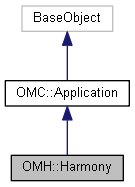
The Harmony Application object.
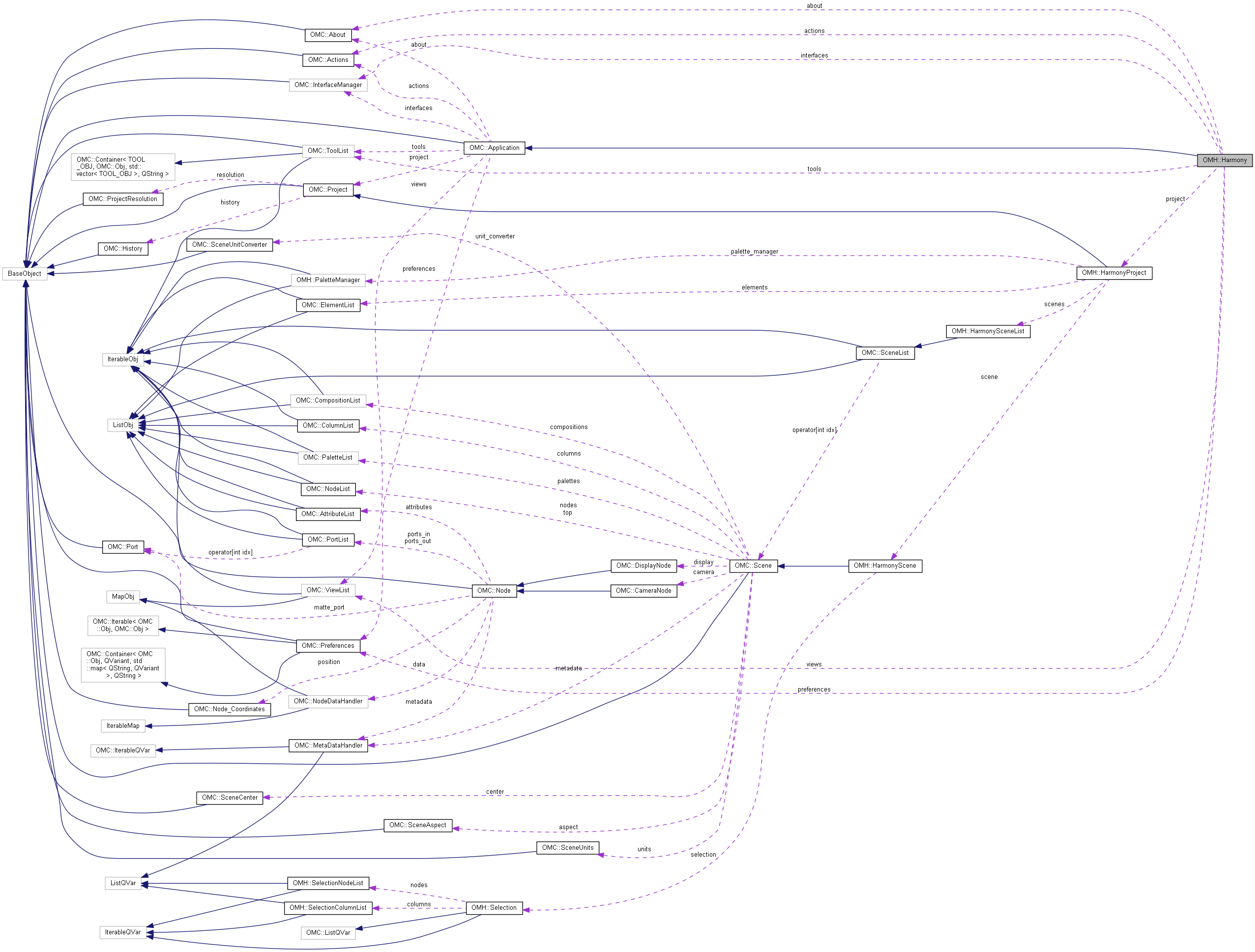
The top level object, representing the currently running instance of Harmony and provides access to the loaded project and its contents.
Public Member Functions | |
| void | process_one_event () |
| Processes the next event in the application's event queue. More... | |
| void | log (const QString &log) const |
| Write to the application's Message Log; defaults to a trace_level log. More... | |
| void | log (const QString &log, const QString &level) const |
| Write to the application's Message Log with different levels as an option. More... | |
| void | trace (const QString &log) const |
| Write to the application's Message Log as trace output. | |
| void | debug (const QString &log) const |
| Write to the application's Message Log as debug output. | |
| void | error (const QString &log) const |
| Write to the application's Message Log as error output. | |
Public Attributes | |
| OMH::HarmonyProject * | project |
| Get the active project from the instance of Harmony. More... | |
| OMC::About * | about |
| Get the active about details from the instance of Harmony. More... | |
| OMC::Preferences * | preferences |
| Get the active preferences from the instance of Harmony. More... | |
| OMC::Actions * | actions |
| Get the application's action interface. More... | |
| OMC::ViewList * | views |
| Get the application's available views - not yet available. More... | |
| OMC::ToolList * | tools |
| Get the application's available tools - not yet available. More... | |
| OMC::InterfaceManager * | interfaces |
| Get the DOM interface manager - not yet available. More... | |
| bool | notify_enabled |
| Get/set whether application notifications are enabled. More... | |
|
inherited |
Write to the application's Message Log; defaults to a trace_level log.
|
inherited |
Write to the application's Message Log with different levels as an option.
The Message Log supports three levels of output, which can be specified in this function.
Available log levels include:
|
inherited |
Processes the next event in the application's event queue.
In the event that the script requires updates in the GUI, process_one_event() will ublock the application from the current script and run the next event in the application queue.
| OMH::Harmony::about |
Get the active about details from the instance of Harmony.
The About class provides general information about the current Harmony session. This includes environment information, and general application information,
| OMH::Harmony::actions |
Get the application's action interface.
The application's action interface is used to perform underlying actions within the GUI in the application. Generally, actions are only available internally within the GUI. This interface can also be used to list available actions that can be performed.
In the event that a scripted solution is not available through the DOM, an action may be available. It is worth noting that actions can require user input and subsequent application event callbacks, some of which are not supported in a scripted environment.
| OMH::Harmony::interfaces |
Get the DOM interface manager - not yet available.
Not yet available.
|
readwrite |
Get/set whether application notifications are enabled.
Most actions in Harmony result in events that update the GUI and refresh the contents in the scene. Setting the notify_enabled to false will prevent these intermediate updates, and will often allow scripts to run faster. Once a script has completed, it is important that this be reenabled in order for the GUI to appropriately update with all expected changes.
| OMH::Harmony::preferences |
Get the active preferences from the instance of Harmony.
The preference handler for the application provides read and write access to the current application preferences. This is useful for storing and modifying tool preferences.
| OMH::Harmony::project |
Get the active project from the instance of Harmony.
The project provides access to properties of the project, and objects contained within the project (such as scenes, palettes, nodes, ect).
| OMH::Harmony::tools |
Get the application's available tools - not yet available.
Not yet available.
| OMH::Harmony::views |
Get the application's available views - not yet available.
Not yet available.