Activate License Key
If you have been provided with a product code for a local license, you can activate it by entering the product code in the Activate License Key window of the License Wizard.
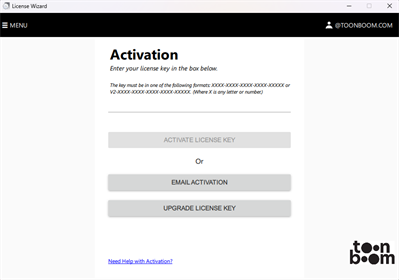
If your workstation has Internet access, the activation process is instantly validated through the Toon Boom licensing server. However, if your machine cannot access the Internet, you can perform email activation. Email activation consists of using License Wizard to generate an activation request file using your product code. You can then transfer the request file to a computer that has Internet access, email it to the Toon Boom licensing department, and they will send you an activation file that can be transferred to the machine on which the product is installed to activate it.
-
See Activate Product Code if the computer on which you want to use the product has access to the Internet.
-
See Email Activation if the computer on which you want to use the product does not have access to the Internet.