Pencil Retouch Tool
The Pencil Retouch tool  is a pressure sensitive brush that allows you to make adjustments to the pencil strokes in your scene. Using the Pencil Retouch tool, you can increase or decrease the thickness and/or opacity of your strokes. This tool will follow the centerline of your pencil strokes in order to affect the thickness and/or opacity of your pencil strokes. Any adjustments made using this tool can be made incrementally or applied to all selected strokes. You can also use this tool to smooth out varying line weights and/or transparencies.
 How to access the Pencil Retouch Tool
-
In the Tools toolbar, click and hold the Contour Editor.
A dropdown menu will appear.
-
Select the Pencil Retouch tool
.
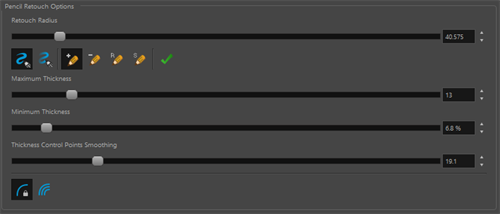
When the Pencil Retouch tool is selected, the properties of the Pencil Retouch tool will appear in the Tool Properties view.
For more information about the Pencil Retouch tool properties, see Pencil Retouch Properties.