Navigation Mode
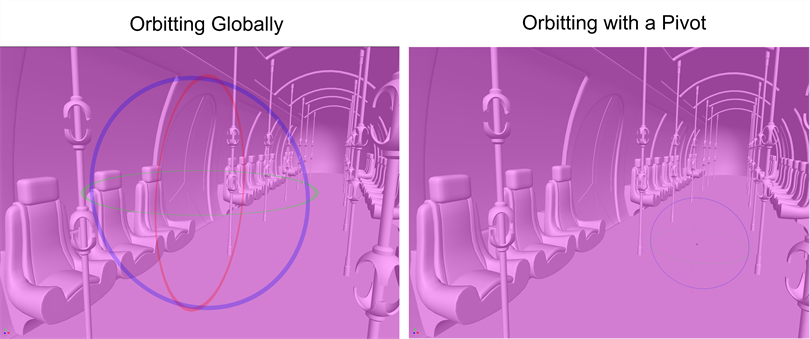
Using the  3D Navigation tool, you can now set a pivot to orbit around, rather than orbiting globally. These pivots allow you to navigate around your scene with precision. In order to set a pivot to navigate your scene, the
  Navigation mode will need to be enabled. By default, Navigation mode is deactivated.
 Activating Navigation Mode
-
From the Tools toolbar, click the
3D Navigation tool. -
In the Tool Properties window, click
Navigation mode. -
Select a navigation option.
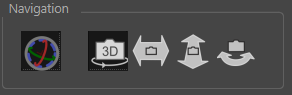
Once Navigation mode is enabled and a navigation option is selected, you are able to move through your scene by setting a pivot.
There are four navigation options available, they are the following:
-
 3D Navigation: Gives you the ability to Truck, Dolly and Orbit with a single setting.
 -
 Truck: Move the view vertically or horizontally, parallel to the initial view/subject.
 -
 Dolly: Move the view forwards or backwards in depth, towards or away from the initial view/subject.
 -
 Orbit: Rotate the view around a fixed point.
To use the Navigation mode, do the following
-
Double + Click to create a new pivot.

-
Left + Click to navigate your scene.
