The Tool Properties view contains the options and operations available for the currently selected tool. When you select a tool in the Tools toolbar, the Tool Properties view updates to display its available options.
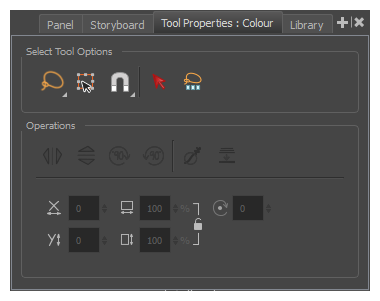
For information on specific tools, see About Tool Properties.
 How to access the Tool Properties view
- Do one of the following:
| ‣ | In a view area, click the Add View  button and select Tool Properties View. button and select Tool Properties View. |
| ‣ | Select Windows > Tool Properties. |